

TL;DR:
- Design policy provides formal guidelines that ensure consistency, quality, and decision authority across teams.
- Well-defined policies improve UX, reduce rework, and enable faster onboarding and conflict resolution.
- Balancing rigidity with flexibility allows for both standards and innovation, supported by ongoing policy reviews.
Most designers assume that outstanding user experiences emerge from individual talent: a skilled interaction designer, a visionary art director, or a meticulous researcher. That assumption is understandable, but it is also incomplete. Across organizations of every size, the structural backbone driving consistent, high-quality design outcomes is not raw talent alone; it is design policy. Formal, well-constructed design policies determine how decisions get made, how standards are enforced, and how teams avoid the costly friction of inconsistency. This article defines design policy clearly, examines how it shapes UX workflows, catalogs common policy types with real-world examples, and addresses the persistent tension between standardization and creative freedom.
Table of Contents
- Defining design policy in modern organizations
- How design policies shape user experiences and workflows
- Common types and real-world examples of design policies
- Balancing consistency and innovation: The flexibility dilemma
- What most guides miss: Policy realism from the trenches
- Take your design practice further with DesignDex
- Frequently asked questions
Key Takeaways
| Point | Details |
|---|---|
| Definition matters | Design policy means formal rules that drive consistency and quality in UX and team practices. |
| Shaping user experiences | Good design policies result in more usable, coherent, and user-focused products and services. |
| Practical categories | Common policies include UX testing minimums, accessibility standards, and clear decision-making rules. |
| Balance is crucial | The best policies ensure structured processes without blocking creativity or innovation. |
| Continuous adaptation | Effective design policies evolve based on team feedback and changing industry standards. |
Defining design policy in modern organizations
Design policy, in the context of professional practice, refers to formal guidelines, principles, and rules established within organizations to ensure consistency, quality, and alignment across all design activities. It is not a style guide, nor is it a design system, though all three are related. Understanding the distinctions between them is foundational for any practitioner seeking to improve organizational design maturity.
- Design policy: Governs how design decisions are made, who has authority, what standards must be met, and what processes must be followed before work ships.
- Design guidelines: Offer recommended practices and principles, typically advisory rather than mandatory.
- Design systems: Provide the reusable components, tokens, and patterns that implement standards at the production level.
Design policy typically covers the following domains:
- Decision-making authority (who can approve final design direction)
- Minimum usability and human-centered design tips compliance thresholds
- Accessibility standards and legal requirements
- Content governance and brand standards
- Testing and design validation workflow requirements before release
- Escalation procedures for unresolved design conflicts
The purpose of these policies extends beyond mere bureaucratic control. They protect design integrity under organizational pressure, particularly when non-design stakeholders push for shortcuts or inconsistent solutions.
"Design policies act as a shield for UX teams, standardizing practices to prevent drama and defend standards against inconsistency." — Paul Boag, UX strategist
Without this structural layer, even the most talented design team will produce fragmented outputs as competing priorities, unclear ownership, and ad hoc decision-making erode quality over time. Policy is not the enemy of creativity; it is the scaffolding that makes sustained creative output possible.
How design policies shape user experiences and workflows
Having defined design policy, let's examine how it tangibly influences both end-user experience and the operational reality of design teams. Policies shape UX by enforcing consistency, usability, and user-centricity, preventing the fragmentation that arises from inconsistent practices across teams or product lines.
The mechanism is sequential. Policy-driven improvement in UX workflows typically follows these steps:
- Standardization of components and patterns: Teams stop reinventing solutions, reducing cognitive load for both designers and users.
- Faster onboarding: New team members orient to a defined system rather than learning undocumented tribal knowledge.
- Clear decision authority: Escalation paths are defined, reducing delays caused by unresolved disagreements.
- Mandatory design analysis in UX checkpoints: Quality gates prevent under-tested work from reaching users.
- Reduced rework cycles: Consistent standards mean fewer late-stage revisions driven by stakeholder misalignment.
| Factor | With design policy | Without design policy |
|---|---|---|
| UX consistency | High across touchpoints | Variable; depends on individual |
| Onboarding speed | Faster; documented standards | Slower; relies on informal knowledge |
| Conflict resolution | Structured escalation path | Ad hoc; often escalates to leadership |
| Rework frequency | Lower; issues caught early | Higher; problems surface post-launch |
| Accessibility compliance | Enforced by policy | Inconsistent; team-dependent |
The risks of operating without clear policy are measurable. Teams face more interpersonal conflicts over design direction, higher rates of rework, and lower overall superior UX design quality as individual preferences fill the vacuum left by absent standards.

Pro Tip: For smaller teams or early-stage projects, a lightweight policy document covering just three areas (decision authority, accessibility minimums, and testing requirements) delivers most of the structural benefit without the overhead of an enterprise-scale policy framework.
Common types and real-world examples of design policies
Understanding the value of design policies, let's examine what they look like in practice. Examples of design policies span a broad range: minimum UX testing requirements before releases, content governance rules, accessibility standards, and formalized decision-making authority over design direction.
Policies cluster into five primary categories:
- Usability testing minimums: Mandating that no interface ships without a defined number of validated usability testing sessions per release cycle.
- Accessibility standards: Requiring WCAG 2.1 AA compliance as a non-negotiable threshold across all digital products.
- Content governance: Defining tone, terminology, and review authority for all user-facing copy.
- Brand standards: Specifying approved color systems, typography hierarchies, and logo usage rules.
- Decision-making authority: Clarifying which roles hold final approval on design direction at each project phase.
| Policy type | What it mandates | Typical business impact |
|---|---|---|
| Usability testing minimum | At least 5 user sessions per release | Reduced post-launch defect rates |
| Accessibility standard | WCAG 2.1 AA compliance | Legal risk reduction; broader reach |
| Content governance | Approved terminology and tone | Brand consistency; reduced confusion |
| Brand standards | Approved visual system usage | Stronger recognition; lower redesign costs |
| Decision authority | Named approvers per project phase | Faster resolution; fewer escalations |
A well-documented case in the accessibility category: organizations that formalize WCAG compliance as policy, rather than aspiration, consistently achieve cross-platform UX improvements because the standard applies equally to web, mobile, and emerging interfaces. According to design intelligence research, organizations with formalized design policies report measurably higher consistency scores in cross-functional audits compared to those relying on informal norms.
Industry data reinforces this: teams operating under documented design policies demonstrate significantly lower rates of accessibility-related rework and stakeholder-driven late-stage redesigns, underscoring the operational value of policy formalization beyond theoretical compliance.
Balancing consistency and innovation: The flexibility dilemma
While the examples above highlight effectiveness, they also surface a critical challenge: policies that are too rigid can obstruct the very innovation they are meant to support. Policies must balance rigidity for consistency with flexibility for innovation; over-prescription can stifle creativity and reduce a team's capacity to respond to novel design problems.
Recognizing where your policy framework sits on this spectrum is essential. Signs that a policy may be too rigid include:
- Teams routinely request exceptions for standard project types
- Innovation initiatives stall at policy review stages
- Designers describe the policy as a barrier rather than a resource
- New methodologies cannot be piloted without full policy revision
Signs that policy is too loose:
- Inconsistent outputs across teams working on the same product
- Repeated conflicts over design authority with no clear resolution
- Accessibility or usability issues appearing post-launch with regularity
"A policy that cannot bend will eventually break the team it was designed to protect. Build in revision cycles and opt-out clauses for experimental work." — UX governance practitioner
Pro Tip: Schedule a formal policy review every six months, and include an explicit opt-out clause for designated innovation sprints. This preserves the structural benefits of policy while creating protected space for exploratory design work, a practice aligned with identifying design trends before they require reactive policy updates.
It is also worth distinguishing organizational design policy from public policy design, which applies design thinking methods to the formulation of government policy. The two disciplines share vocabulary but operate in entirely different contexts; conflating them creates confusion in cross-sector discussions.
What most guides miss: Policy realism from the trenches
Theoretical frameworks for design policy are well-documented. What receives far less attention is the micro-political reality of implementation: who actually enforces the policy when a senior stakeholder pushes back, and what happens when the policy is technically correct but practically disconnected from how the team actually works.
Policies written in isolation from daily workflows become shelf documents. The organizations where policy genuinely improves outcomes are those with designated policy champions: practitioners who understand both the intent of the rule and the context of the exception. These individuals do not simply enforce; they translate, adapt, and advocate.
The counterintuitive lesson here is that the most effective design policies are often the ones that get challenged constructively. A team that surfaces friction in a policy and proposes a revision is demonstrating exactly the kind of engaged, evidence-based practice that good policy is meant to cultivate. Suppressing that feedback in the name of consistency is a governance failure, not a policy success.
Humility matters as much as enforcement. Connecting policy review to a structured real-world validation workflow ensures that policy evolution is grounded in observed outcomes rather than assumptions about what should work.
Take your design practice further with DesignDex
If design policy is foundational to consistent, evidence-based practice, then staying current with validated research on usability, governance, and workflow optimization is not optional; it is a professional requirement.
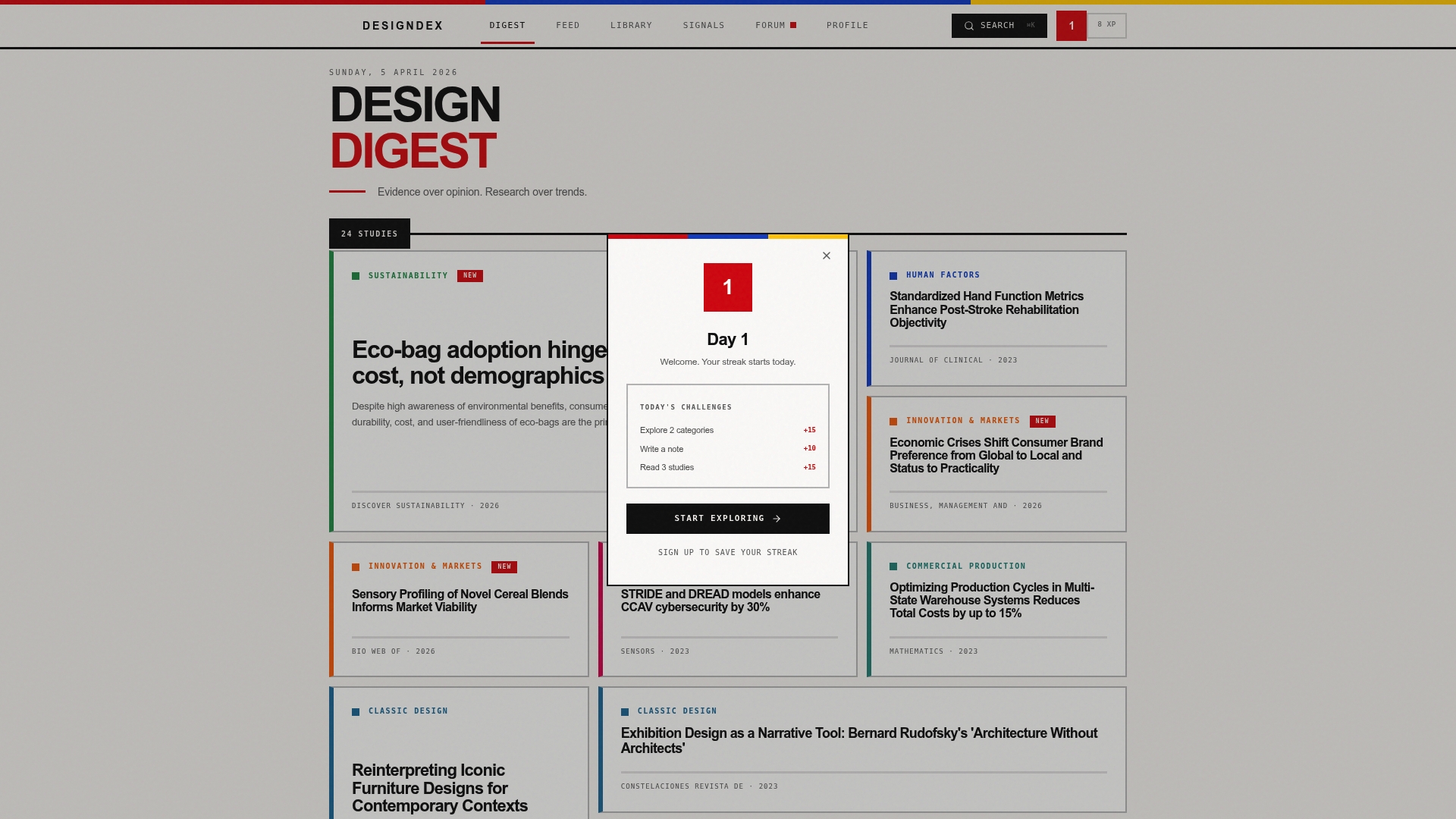
DesignDex aggregates and distills peer-reviewed UX and industrial design research into structured, citation-ready insights updated daily. Explore applied research summaries on UX policy and usability testing to benchmark your own policy standards against validated findings. Subscribe to DesignDex Signals for ongoing intelligence on policy trends, workflow improvements, and emerging best practices. Turn policy theory into practical, defensible design decisions backed by evidence.
Frequently asked questions
What are the main elements of an effective design policy?
Effective design policy includes clear standards, decision authority, structured review processes, and explicit requirements for accessibility and UX testing. These elements collectively prevent ambiguity and ensure consistent application across teams and projects.
Why do organizations need design policies?
Design policies eliminate confusion and prevent conflicts by establishing clear quality benchmarks and decision-making authority, reducing the friction that arises when standards are left implicit or undefined. The result is measurably more consistent project outcomes and more efficient team operations.
Can design policies adapt over time?
Yes; adaptable policies are essential because they allow teams to incorporate new technologies, user research findings, and evolving accessibility standards without sacrificing the consistency that makes policy valuable in the first place.
How are design policies different from public policy design?
Organizational design policy governs internal design practices and standards, while public policy design applies design thinking methods to the formulation and improvement of government policy solutions. The two share methodological vocabulary but operate in fundamentally different institutional contexts.
What happens if teams ignore design policies?
Ignoring design policies consistently produces fragmented user experiences, elevated conflict rates, and higher rework costs as individual preferences and ad hoc decisions replace structured standards. The downstream effect on UX quality is measurable and well-documented across organizational audits.