

Finding the right platform can open up new possibilities for design and creativity. Some tools offer fresh ideas while others make your projects easier and more enjoyable. Whether you need more features or a different approach to visual work there are plenty of options waiting to be discovered. Each one brings something unique for anyone ready to explore new ways to share their style and vision. The next picks show how small differences can make a big impact.
Table of Contents
DesignDex
At a Glance
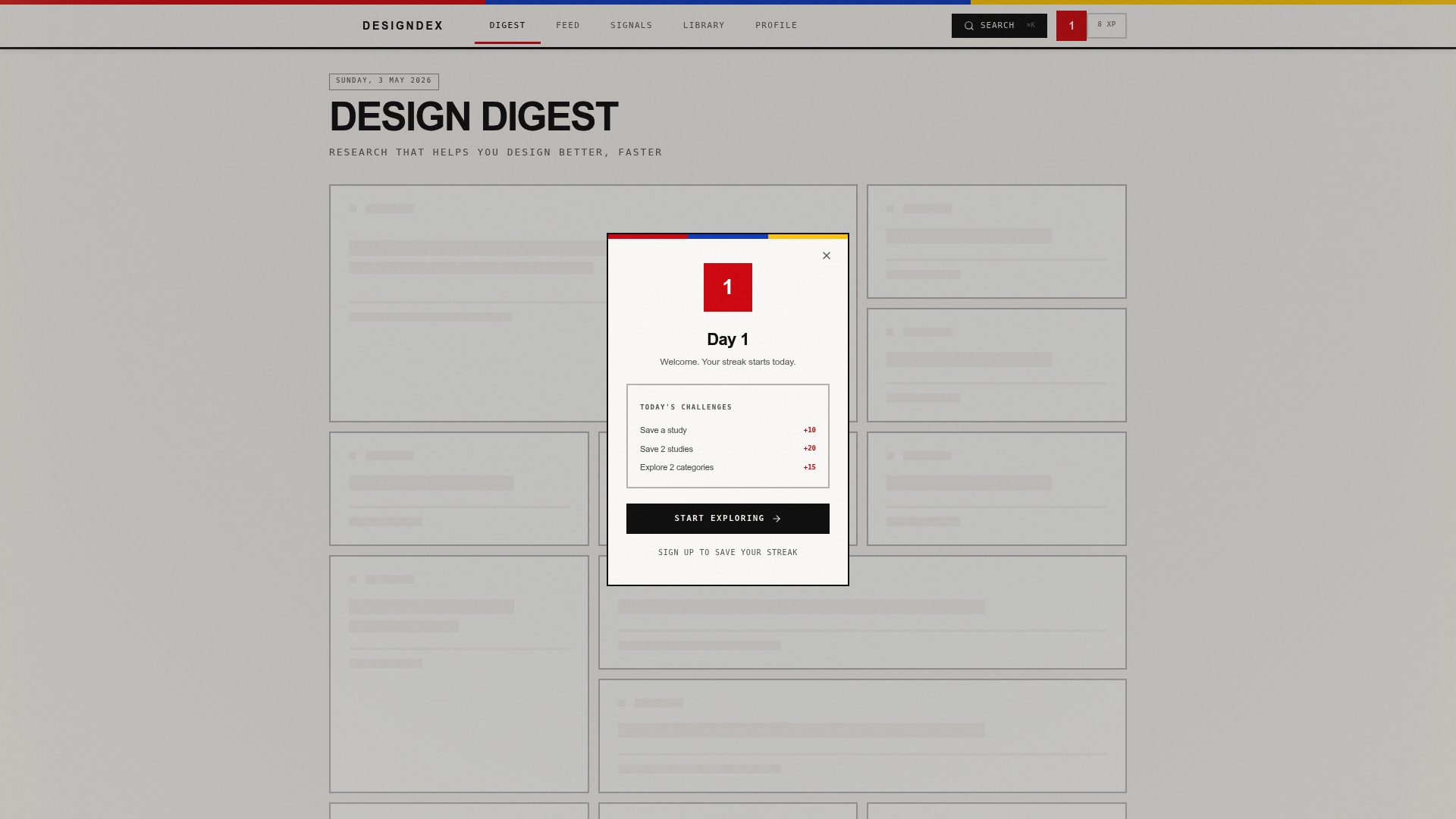
DesignDex is a leading research aggregation and intelligence platform that ingests and distills peer reviewed studies in UX and Industrial Design into concise, actionable insights. It updates daily, surfaces trends and signals, and supplies citation ready content so designers justify choices with evidence rather than intuition.
Core Features
The platform offers curated research across sustainability, innovation, human factors, and more with daily updated content from verified sources. Users can browse research by categories, follow links to full articles, and save studies for project work or deeper reading.
Pros
- Comprehensive collection: DesignDex aggregates a wide range of design related research so you get cross disciplinary perspectives in one place.
- Regularly updated: Daily content updates surface recent studies and emerging trends that keep your work current.
- Categorized content: Browsing by Human Factors, Sustainability, Innovation, and similar categories makes it fast to find relevant evidence.
- Source transparency: Links to original articles provide direct access to full studies and help verify claims used in reports.
- Engagement features: Saving and organizing studies lets you build a citation ready library for projects and class work.
Who It's For
This platform is ideal for designers, researchers, students, and industry professionals who need verified evidence to support design decisions. If you present research to stakeholders, write academic work, or select materials and processes, DesignDex speeds the path from paper to practice.
Unique Value Proposition
DesignDex stands out because it does more than index papers. It ingests and distills peer reviewed studies into structured breakdowns of aims, methods, findings, and practical applications so you spend minutes reading an insight instead of hours reading a paper. The combination of daily curation, verified sourcing, and citation readiness makes it an industry leading decision support tool for evidence based design.
Why this outperforms competitors is simple. It focuses exclusively on design research, updates every day, and packages findings for immediate use in briefs, design reviews, and academic citations. Smart buyers choose DesignDex when they need defensible design choices, repeatable methods, and fast access to trustworthy studies.
Real World Use Case
A product designer researching lightweight material composites uses DesignDex to locate recent studies on composite performance and sustainable sourcing. The designer saves a short list of citation ready summaries, links the original papers, and builds a materials rationale for engineers and procurement in a single afternoon.
Pricing
DesignDex is free to access which lowers the barrier for students and early career professionals. Note that some pages show a Not Found page or require login which suggests gated access to advanced content or ongoing site maintenance.
Website: https://designdex.org
Maze Platform
At a Glance
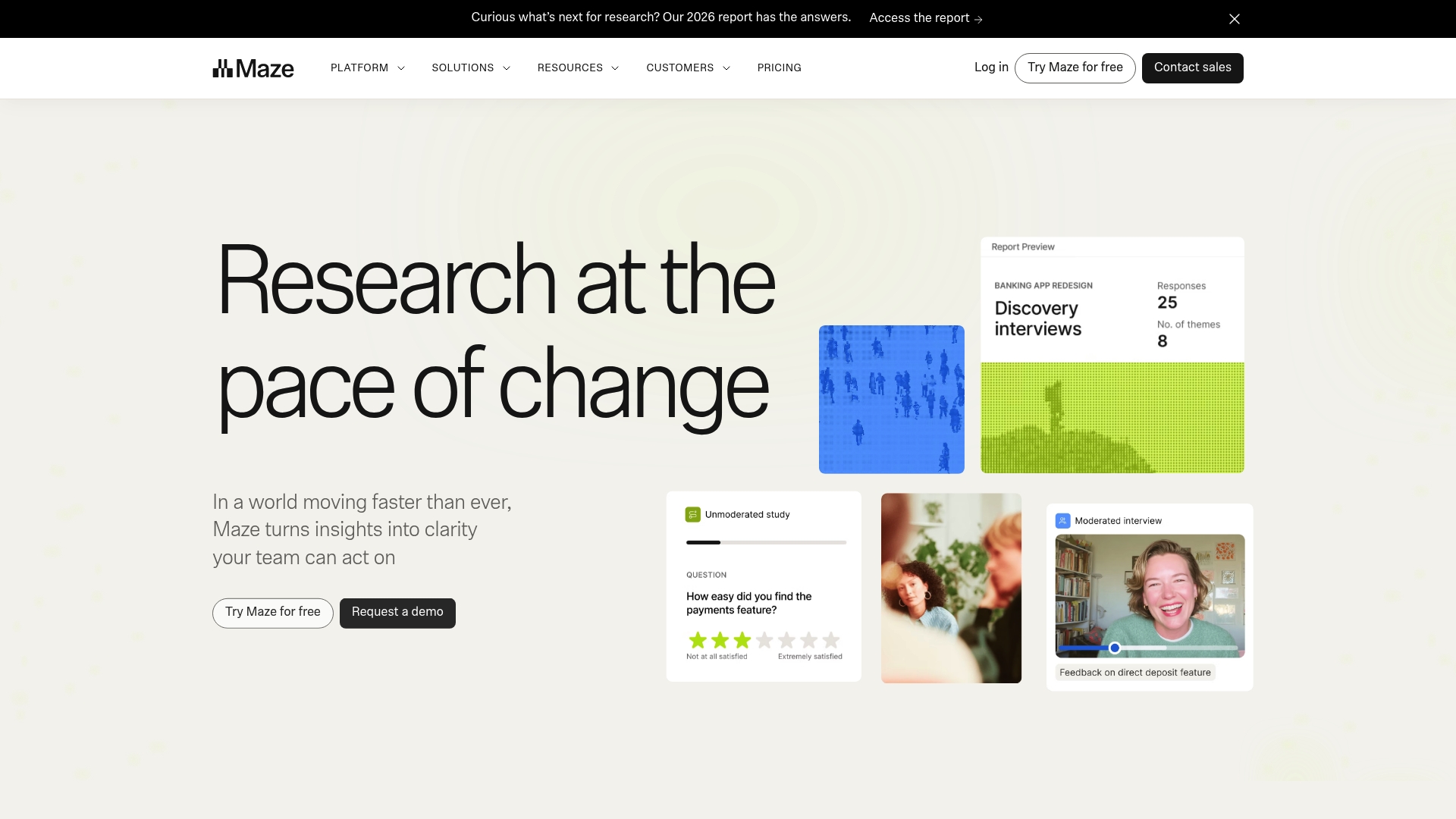
Maze Platform is an end to end user research tool that helps teams recruit participants, run studies, and turn results into actionable reports. It balances breadth and depth so teams can move from concept validation to usability testing within one workflow.
Core Features
Maze offers participant recruitment, prototype testing, moderated interviews, surveys, and live website and mobile testing with detailed analysis tools. It integrates with Figma, Slack, and Zoom and includes a resource library of templates, question banks, and reports to speed setup.
Pros
- All in one research suite: The platform supports multiple methods so you can centralize concept validation, usability testing, copy testing, and feedback collection in a single place.
- Strong integrations: Native connections to Figma, Slack, and Zoom let design and research artifacts flow into existing workflows without manual export and import steps.
- AI powered insights: Built in automation helps surface patterns and generate summary findings so teams can move from raw data to decisions faster.
- Varied research methods: Support for moderated interviews, prototype testing, and live site testing gives teams methodological flexibility for different research goals.
- Practical resource library: Templates, question banks, and ready made reports reduce setup time and help less experienced researchers run higher quality studies.
Cons
- The platform’s breadth can feel complex for new users and may require time to learn workflows and features.
- Pricing information is not provided in the available material which creates uncertainty for small teams and startups evaluating cost.
- Some capabilities depend on third party integrations which means certain workflows rely on external tools and accounts.
Who It's For
Maze is best for user researchers, product managers, and designers who need a scalable platform to run a range of UX and product research studies. Teams that value reproducible methods and evidence backed decisions will benefit most from its feature set.
Unique Value Proposition
Maze combines recruitment tools, multiple research modalities, and automated analysis in one platform so teams can reduce friction between design iterations and user feedback. The combination of integrations and templates makes it easier to standardize research across projects.
Real World Use Case
A product team uses Maze to recruit participants, run prototype usability tests linked to Figma, and produce automated reports that feed into sprint planning. The result is faster validation cycles and cleaner handoffs between research and design.
Pricing
Pricing is not specified in the provided content which means you will need to contact Maze or check their website for current plans and enterprise options.
Website: https://www.maze.design
Optimal Workshop
At a Glance
Optimal Workshop is a focused user research platform that combines moderated and unmoderated testing, participant recruitment, and AI analysis into a single toolkit. The platform suits teams that need scalable, evidence driven research to validate designs and prioritize product roadmaps.
Core Features
Optimal Workshop supports prototype testing with Figma files and static wireframes, live website testing, tree testing, card sorting, and participant recruitment. The product also provides AI powered analysis for rapid insight generation and formatted stakeholder reports.
- Integrations with other tools and a strong emphasis on security and compliance including SOC 2 and GDPR.
Pros
-
Comprehensive toolset: The platform groups usability testing, navigation studies, recruitment, and reporting in one place so teams avoid stitching several tools together.
-
Unlimited testing capacity: Teams can run many concurrent studies and give access to entire teams without frequent seat limits or bottlenecks.
-
AI powered insights: Automated analysis accelerates synthesis and produces shareable reports that reduce manual coding time.
-
Global participant recruitment: Verified participants across countries let you target diverse demographics for more representative results.
-
Robust security: SOC 2 and GDPR compliance protect research data and support enterprise procurement requirements.
Cons
-
Higher entry cost: The Starter plan at $199 per month billed annually may be a stretch for small teams or early stage startups.
-
Advanced features locked behind enterprise: Some integrations and higher level capabilities require enterprise plans which adds procurement overhead.
-
Learning curve for beginners: The breadth of features can feel overwhelming to teams new to structured research and may require onboarding time.
Who It's For
Product managers, UX Designers, Researchers, and Content Strategists who need repeatable, scalable research workflows will get the most value from Optimal Workshop. The platform fits teams that want to justify design choices with evidence and share citation ready findings with stakeholders.
Unique Value Proposition
Optimal Workshop centralizes recruiting, testing, and analysis so you move from hypothesis to validated decision faster. Its value lies in combining participant sourcing with AI assisted synthesis and enterprise grade security to support both rapid prototyping and formal research programs.
Real World Use Case
A distributed product team used Optimal Workshop to validate early prototypes across three countries. They recruited targeted cohorts, analyzed video and task data with AI, and iterated interfaces within two sprints. The effort cut post release usability issues and shortened time to usable launches.
Pricing
Starter plan at $199 per month billed annually is the baseline offering. Enterprise plans use custom pricing and include expanded integrations, advanced features, and dedicated support.
Website: https://getoptimal.com
Hubble
At a Glance
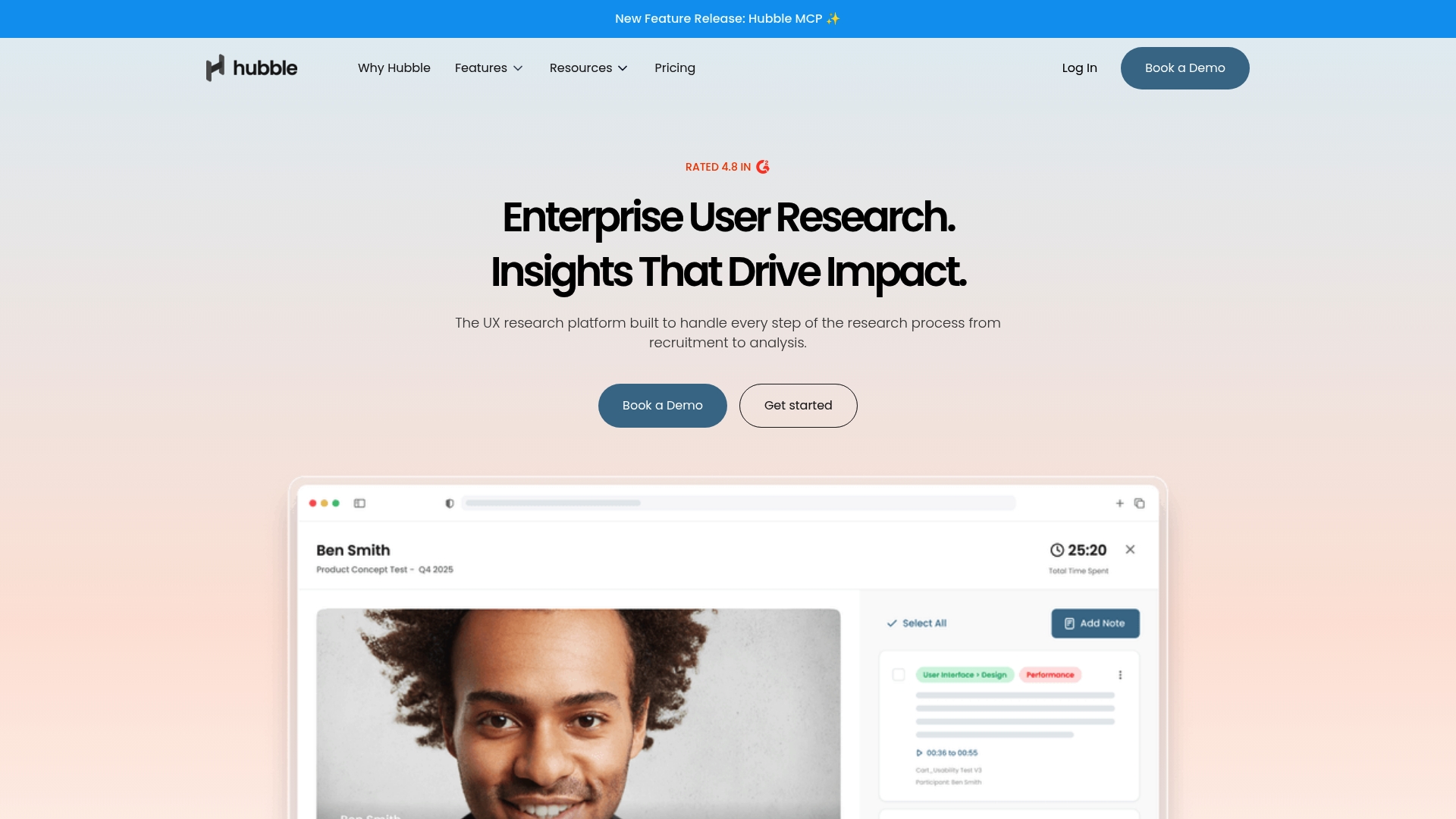
Hubble is an enterprise user research platform built to run research from participant recruitment through analysis and reporting. The platform emphasizes speed and security while packing AI-powered tools that accelerate study creation and insight synthesis for product and UX teams.
Core Features
Hubble consolidates unmoderated and moderated testing, in-product research, and participant recruitment into a single platform with powerful data synthesis tools. It supports prototype, website, mobile, card sorting, tree testing, and surveys, plus AI rephrasing and automated summaries to reduce manual analysis time.
Pros
-
All-in-one research stack: The platform covers recruitment, moderation, analysis, and reporting so teams avoid stitching multiple tools together.
-
AI automation: AI features speed study creation and reporting, lowering time to insight for fast product cycles.
-
Enterprise reliability: Being trusted by large organizations indicates the platform scales and enforces strong security practices.
-
User friendly and flexible: The interface and customization options let teams adapt workflows without heavy engineering support.
-
Template library and integrations: An extensive set of study templates and integrations with tools like Figma helps teams move from idea to test quickly.
Cons
-
Pricing transparency is limited for larger plans and often requires consultation, which can slow procurement for some teams.
-
The platform’s broad feature set requires onboarding time, so new teams should budget for training and setup.
-
Some users may feel overwhelmed by capabilities if they lack a dedicated research process or experienced researchers.
Who It's For
Hubble fits research teams and product teams inside enterprises that need a scalable, secure user research platform. It suits groups that run frequent moderated and unmoderated studies and that require rigorous participant recruitment and reproducible analysis for stakeholder decisions.
Unique Value Proposition
Hubble’s strength is integrating recruitment, multi-modal testing, and AI-assisted analysis into one platform so research programs remain repeatable and defensible. That combination reduces friction between running studies and converting results into product decisions.
Real World Use Case
A large organization uses Hubble to recruit participants, run remote moderated sessions and unmoderated prototype tests, and generate AI-assisted summaries that feed product roadmaps. The team shortens research cycles while producing citation-ready findings for cross-functional stakeholders.
Pricing
A free plan is available with limited features. Paid plans start at $120 per seat per month for small teams, with custom enterprise options available for larger organizations.
Website: https://apphubble.com
UXtweak

At a Glance
UXtweak is a comprehensive UX research and participant recruitment platform that supports both moderated and unmoderated studies. It combines participant recruitment, testing tools, and analysis into a single workspace to move research from concept to production.
Core Features
The platform lets you recruit, run, analyze, and share UX research without stitching multiple tools together. Key capabilities include moderated and unmoderated studies, session recordings, surveys, and tools for testing navigation and content organization.
- Recruit participants globally and manage panels from the same interface.
- Run Card Sorting and Tree Testing to improve site navigation.
- Test websites, prototypes, and mobile apps with First Click Test and Prototype Testing.
- Capture user behavior with Session Recordings and Preference Tests for qualitative insight.
Pros
-
All in one research workflow: UXtweak supports recruitment, testing, analysis, and sharing so teams keep findings and artifacts in one place.
-
High quality participant reach: The platform emphasizes global participant recruitment which helps produce more diverse samples for both qualitative and quantitative work.
-
Customer success research support: Dedicated support from UX researchers helps teams set up studies and interpret results when internal expertise is limited.
-
Clear attention to privacy: The platform highlights data security and user privacy which helps teams align research with organizational policies.
-
Flexible plan options: Plans are described as suitable for organizations of various sizes which lets small labs and larger teams find an appropriate fit.
Cons
-
Limited public detail on specific drawbacks: The vendor does not list detailed limitations on the main site so user reviews are required to surface operational issues.
-
Advanced features need onboarding: Some of the more powerful analysis and testing tools require training to use effectively which adds ramp time for teams.
-
Pricing information requires a visit: The website points to a Pricing page rather than listing costs up front which slows quick budget comparisons.
Who It's For
Research teams, UX professionals, product managers, and education programs seeking a unified platform for testing and recruitment will benefit most. Teams that value end to end traceability from recruitment through stakeholder reporting gain the most value.
Unique Value Proposition
UXtweak aims to be a single source for UX research workflows by combining participant recruitment with a broad suite of testing methods and analysis features. The combination of recruitment plus tools like Card Sorting and Session Recordings reduces tool switching.
Real World Use Case
A product team runs usability testing for a new website release, recruits participants across regions, records sessions for qualitative coding, and shares structured findings with stakeholders to prioritize fixes. The platform keeps recruitment and artifacts linked to each study.
Pricing
Pricing details are available on the product website and on the dedicated Pricing page which provides plan options and enterprise information.
Website: https://www.uxtweak.com
ATLAS.ti
At a Glance
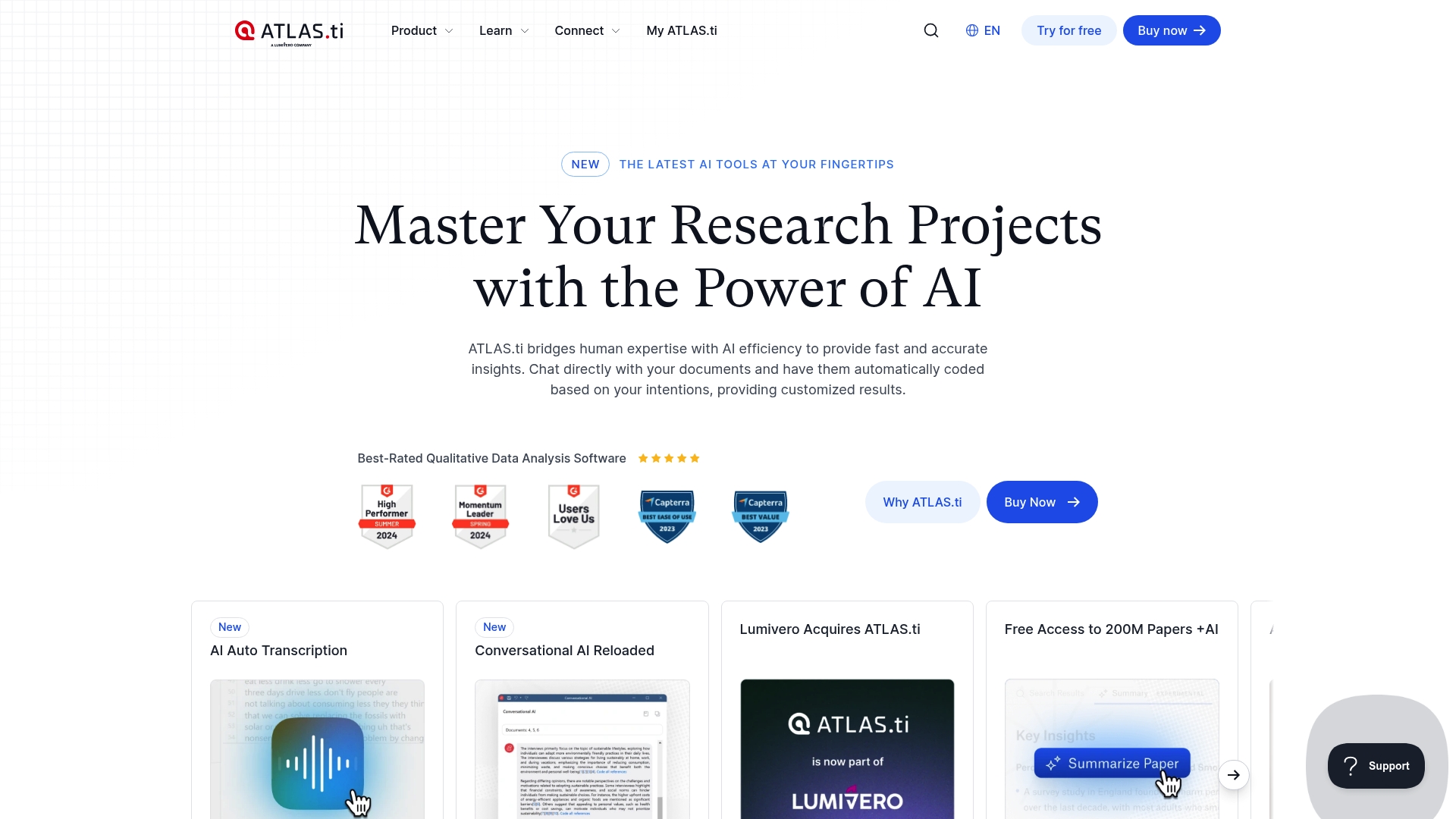
ATLAS.ti is a powerful qualitative data analysis tool that uses AI powered features to speed thematic coding and sense making. It handles text, audio, video, images, and social media data while supporting collaborative workflows across desktop and web.
Core Features
The platform offers AI powered coding that suggests codes and surfaces patterns automatically, plus support for importing diverse data types such as text, audio, video, images, and social media exports. Visualization options include networks, word clouds, bar charts, and Sankey diagrams, and the app gives real time project sharing across Windows, Mac, and web clients.
Pros
-
Comprehensive feature set: ATLAS.ti combines coding, memoing, and visualization tools in one environment so you can move from raw data to findings without hopping between apps.
-
Strong AI integration: Automated suggestions and machine learning speed up initial coding and help reveal less obvious themes in large datasets.
-
Multi platform support: Desktop and web access lets team members work on the same project from different operating systems without losing context.
-
Solid training and support: The vendor provides documentation and learning resources that help shorten the onboarding time for new users.
-
Flexible licensing options: Team licensing and project sharing make it feasible for academic groups and corporate research teams to collaborate.
Cons
-
Steep complexity for beginners: The depth of features and interface terminology can overwhelm researchers who have not used qualitative software before.
-
Higher cost for full functionality: Advanced capabilities and team licenses push the price above entry level tools, which may restrict small projects or student budgets.
-
Not instant for mastery: Several advanced features require deliberate practice before they add measurable speed to your workflow.
Who It's For
ATLAS.ti fits Researchers, students, academic institutions, and businesses that need rigorous qualitative analysis with AI assistance. If you analyze interviews, focus groups, or mixed media in multi person teams, this tool gives the structure and controls research teams require.
Unique Value Proposition
ATLAS.ti stands out by combining automated AI assistance with deep qualitative workflows so you can analyze multimodal datasets at scale while preserving audit trails and coder transparency. The blend of coding automation and rich visualization makes it suited to evidence driven design and social science research.
Real World Use Case
A social sciences research team uses ATLAS.ti to code interview transcripts, tag segments in video, and pull thematic signals from social media posts. The team exports visual networks and code frequency charts to justify findings in a journal submission.
Pricing
Pricing details are available on the website through purchase options and custom quotes for individual, team, and institutional licenses.
Website: https://atlasti.com
User Research and Design Tools Comparison
This table summarizes the features, pros, cons, and pricing information of six user research and design tools, helping professionals make an informed choice based on their needs.
| Tool | Features | Pros | Cons | Pricing |
|---|---|---|---|---|
| DesignDex | Daily updated design research aggregation with classifications and citation-ready insights | Comprehensive research collection; Transparency with source materials; Save for future reference | Some pages require login or are inaccessible | Free |
| Maze | End-to-end user research suite with integrations and analysis | All-in-one suite; Strong integrations; AI-powered insights | Complexity for new users; Lack of pricing information available | Contact for pricing |
| Optimal Workshop | Usability testing platform with global participant reach | Comprehensive toolset; Unlimited testing; AI-powered insights; Robust security | Higher entry cost; Enterprise features locked behind advanced plans | Starts at $199/month billed annually |
| Hubble | Scalable enterprise research tool with AI-assisted workflows | All-in-one stack; AI automation; Enterprise reliability; User-friendly flexibility | Limited pricing transparency for larger plans; Extensive features require onboarding | Starts at $120/seat/month |
| UXtweak | Full-spectrum UX research tool with participant recruitment | Global reach for participant recruitment; Customer support aids study clarity; Strong attention to privacy | Lack of detail on drawbacks; Advanced tools require expertise | Visit website for pricing information |
| ATLAS.ti | AI-powered qualitative analysis platform | Extensive features; Strong AI integration for coding; Multi-platform collaborative support | Complexity for beginners; Higher costs for full functionalities | Contact for pricing |
Discover Smarter Design Insights with DesignDex
Navigating the crowded landscape of design research tools can be overwhelming, especially when you need quick, reliable evidence to support your UX or industrial design decisions. If you have struggled with scattered information, unclear sources, or time-consuming paper reviews, DesignDex offers a focused solution. Instead of sifting through full studies, get distilled, actionable insights updated daily that help you justify your choices with confidence.
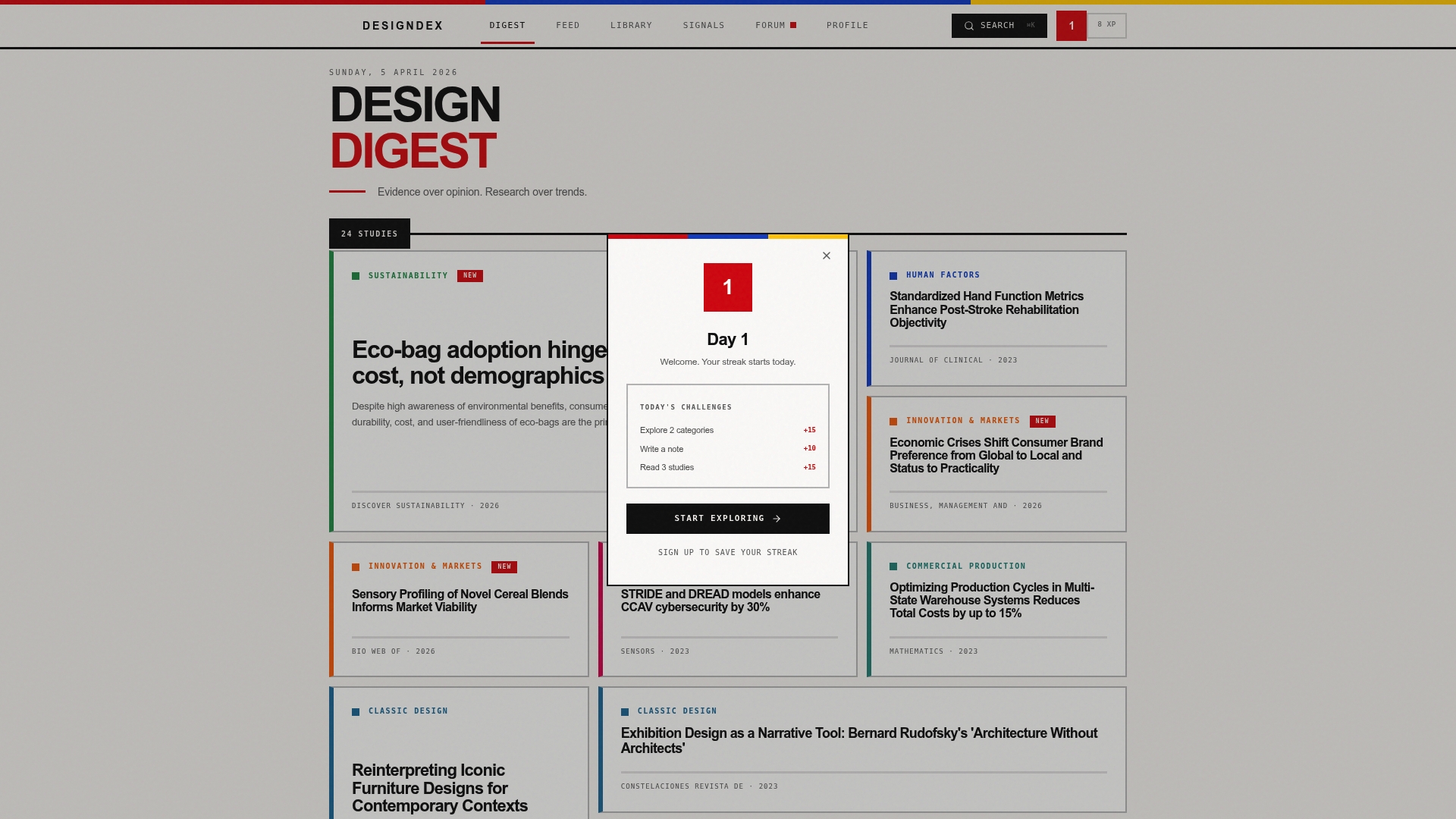
Start transforming your design process today by exploring DesignDex and gain immediate access to peer-reviewed research summaries. Don’t wait to make smarter, evidence-based design decisions. Visit DesignDex now to stay ahead with trends and build your citation-ready research library effortlessly.
Frequently Asked Questions
What are the top alternatives to DesignersDigest.co for design research in 2026?
DesignersDigest.co alternatives for 2026 include platforms that focus on research aggregation, user testing, and participant recruitment. To explore these options, consider reviewing features that cater specifically to your design needs, such as automated insights or participant diversity.
How can I determine which DesignersDigest.co alternative is best for my design projects?
Assessing an alternative requires evaluating its features based on your project requirements. Identify essential criteria like project management tools, research capabilities, and user interface to make an informed choice.
Can these alternative platforms help streamline my design research process?
Yes, many alternatives are designed to enhance efficiency throughout the design research workflow. Start by selecting a platform that centralizes participants and analysis features to speed up your research cycles dramatically.
Are there free trials available for the alternatives to DesignersDigest.co?
Most platforms offer free trials or limited versions to allow users to test functionality. Examine the trial period details and utilize them to gauge how well they meet your design needs before committing to a subscription.
What features should I prioritize when exploring DesignersDigest.co alternatives?
Prioritize features such as user recruitment capabilities, analysis tools, and integration with existing design workflows. Focus on tools that save time and provide actionable insights to enhance the overall design process.